
The X-Ray Speed Optimization Guide
A practical guide for dental teams dealing with slow, frozen, or missing X-rays during patient care.
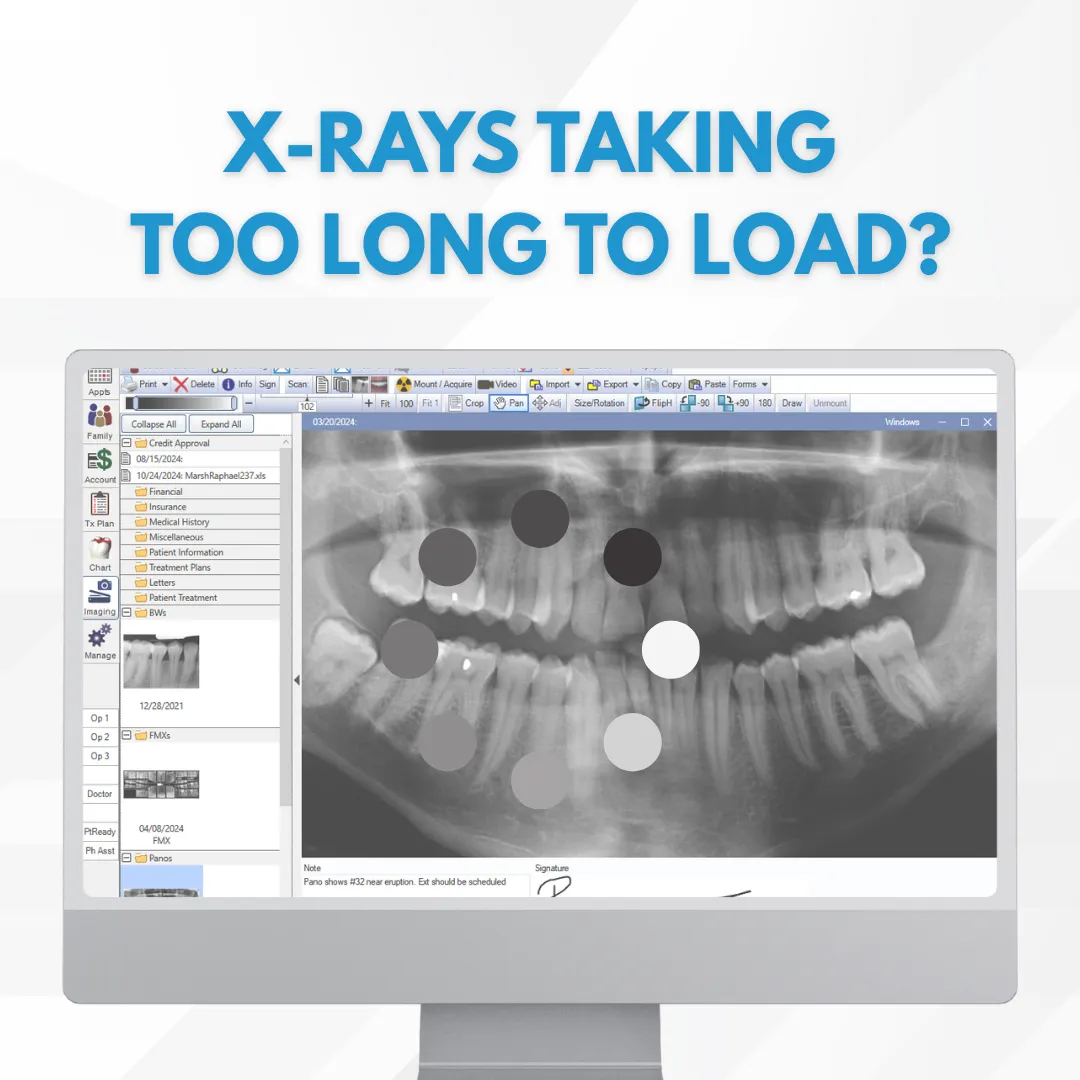

When X-Rays Lag, Your Entire Schedule Suffers
"X-rays stall."
"Operators wait."
"Patients sit longer than they should."
"Staff gets frustrated."
"Schedules fall behind."
Most practices assume this is just how imaging software behaves.
It isn’t.
What You’ll Learn in This Guide
In the The X-Ray Speed Optimization Guide, you’ll find:
✅ Why X-rays load slowly even on “new” computers
✅ How Dexis, Sidexis, Schick, and Carestream slow each other down
✅ The difference between workstation issues vs server bottlenecks
✅ Common configuration mistakes that silently kill imaging speed
✅ Safe fixes your team can try before calling support
Who This Guide Is NOT For
🚫 Practices that are fine with staff waiting on X-rays
🚫 Offices that accept slow imaging as “normal”
🚫 Teams that don’t mind workflow interruptions during exams
If that’s not you, this guide will show you what’s actually slowing your imaging down and how to fix it.
Still Waiting on X-Rays to Load?
This guide breaks down the most common imaging performance issues in dental offices and shows you what actually improves speed.
Just clarity, efficiency, and smoother patient flow.